



November 24, 2025
The holiday season is already hectic—don't let tech troubles add to the chaos. Customers are squeezing in last-minute tasks, employees juggle family commitments, and everyone's patience is stretched thin. Avoid unnecessary frustration caused by preventable technology hiccups.
Consider this your essential Holiday Tech Etiquette Handbook to ensure your business stays a reliable part of your customers' festive plans—not the reason for a disappointing day.
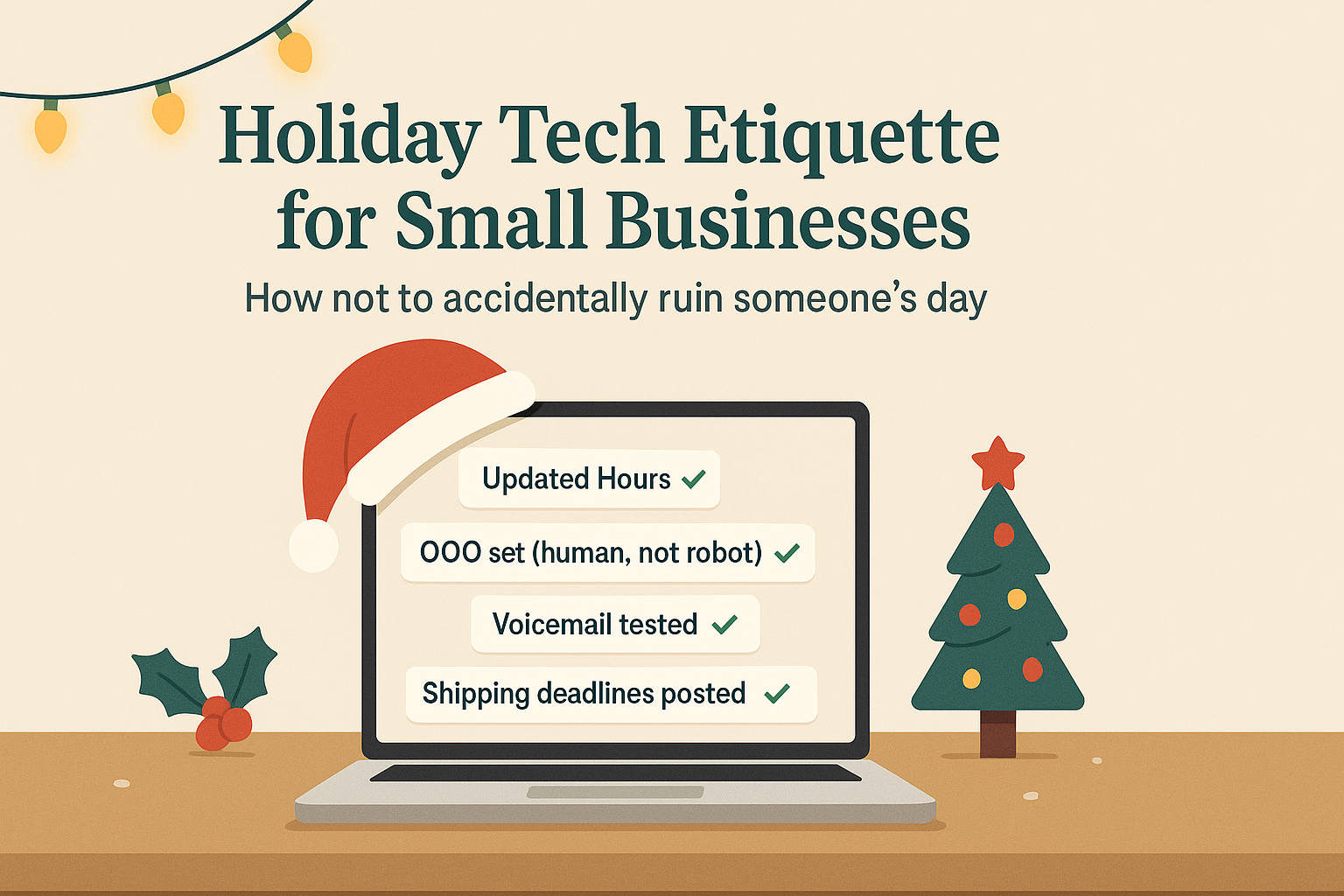
1. Update Your Online Operating Hours Before a Single Frustrated Call
Imagine a customer rushing across town on their lunch break, trusting your Google listing saying you're open, only to find your doors locked and lights off. Congratulations, you've just caused a day-ruiner.
Update these key places now:
- Your Google Business Profile, the most visible resource for customers
- Social channels like Facebook, Instagram, and Yelp where customers seek your info
- The banner on your website showcasing your holiday schedule
- Apple Maps, yes, many users rely on it too
Here's a friendly sample notice:"Happy Holidays! We'll be closed from Thursday, Nov. 28 through Sunday, Dec. 1 to celebrate with family. Regular hours resume Monday morning—expect us to be a bit turkey-hazed but ready to assist!"
2. Craft Warm, Personable Out-Of-Office Replies That Don\u0002t Feel Robotic
Taking a break? Don't leave customers hanging in email limbo. A thoughtful auto-reply acts as a courteous concierge: professional yet heartfelt.
Example of a welcoming out-of-office reply:"Thanks for reaching out! Our office is closed for Thanksgiving Nov. 28 to Dec. 1. We'll get back to you once we're recharged and caffeinated. For urgent matters, call (XXX) XXX-XXXX. Warm wishes to you this holiday season!"
3. Keep "Out Of Office" Messages Brief—Skip the Vacation Details
Stick to the essentials. Your customers don't need to hear about Aunt Carol in Denver, your manager's trip to Cancún, or Bob's "Friendsgiving" potluck escapades.
Beyond being oversharing, too much info can create security concerns. Focus on closure dates, response timelines, and alternative contact points. Save the travel tales for your social media.
4. Double-Check Your Phone Systems to Prevent Frustrations
Holiday callers are often rushed and stressed. Confirm your voicemail greeting matches your actual hours to avoid sending callers on futile detours.
Pro tip: Call your business number yourself. You'd be surprised how many still use greetings from years ago!
Sample voicemail:"You've reached [Business Name]. We're currently closed for the holiday weekend. Please leave a message—we'll return your call Monday morning. For urgent needs, press 1 to connect with our on-call team. Happy Holidays and thank you for your patience!"
5. Clearly Communicate Shipping Cutoffs to Avoid Last-Minute Panic
If shipping is part of your business, make sure customers see your "order by" deadlines early and often. Post these dates prominently on your site and send timely reminders.
Late deliveries frustrate everyone, but missed expectations damage relationships. No one wants to explain why an anniversary gift arrives in January.
In Summary: Thoughtful Tech Etiquette Builds Happy Customers & Thriving Business
Holiday technology etiquette is simple: set transparent expectations, communicate genuinely, and honor your customers' time. A few swift updates can prevent headaches and keep your brand shining bright all season long.
Remember, it's not just about avoiding mishaps—it's about making your customers feel valued even when you step away.
Need expert help to keep your systems and customer experience flawless this holiday season? Call us at 833-863-2120 or click here to book your free Consult. Let's explore easy ways to keep your operations seamless while you enjoy well-earned rest.